What Is HDR on a TV? A Simple Guide to Brighter Pictures
HDR is printed on almost every TV box, but what does it actually change? A plain guide to brighter highlights, deeper shadows and the formats behind them.
· 2 min
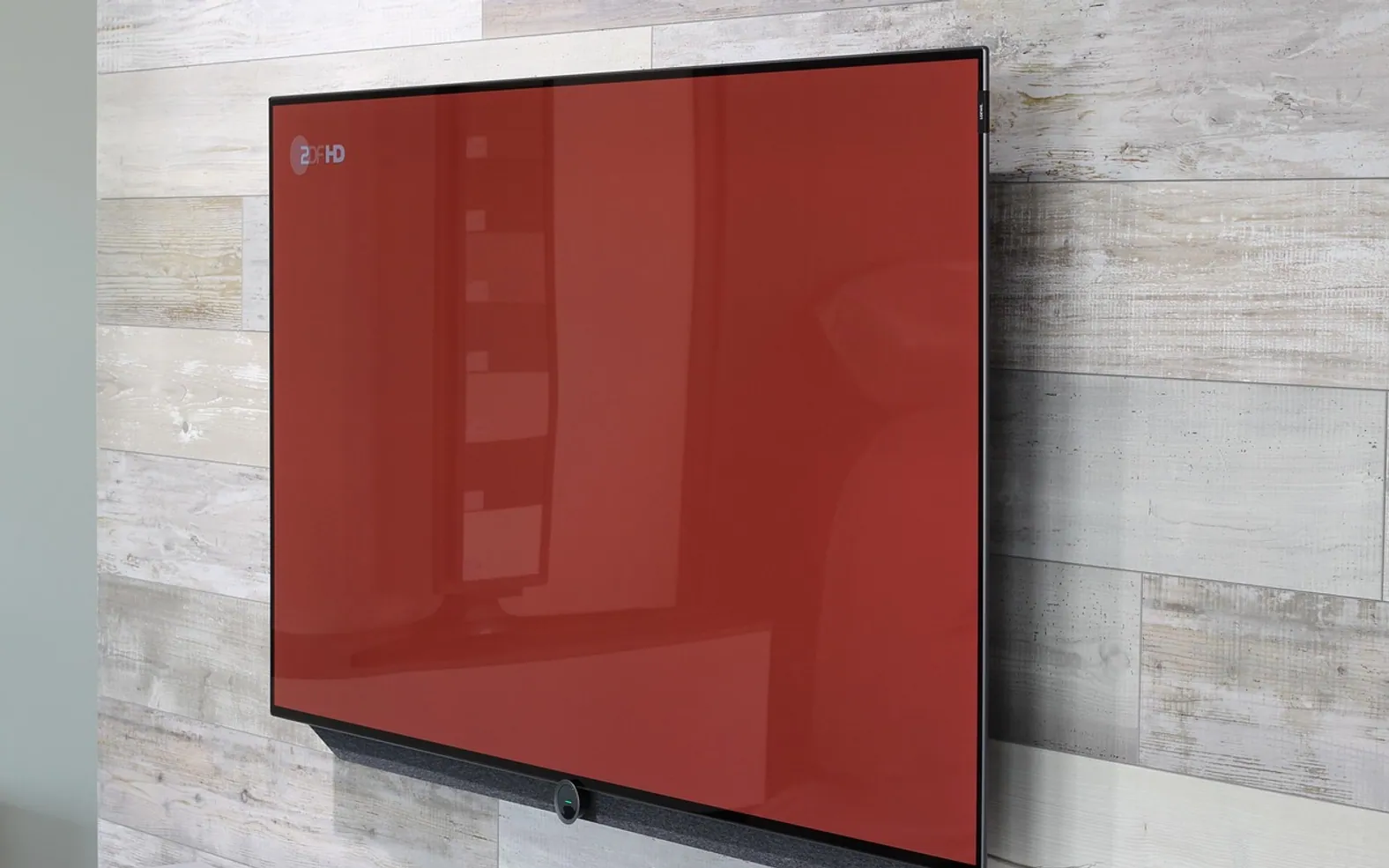
Walk past any TV display and you will see "HDR" printed on the boxes. It sounds like a technical extra, yet it can make a bigger difference to how films look than a jump in resolution. Here is what it actually means and what it takes to enjoy it at home.
Dynamic range in plain words
Dynamic range is the distance between the darkest and brightest parts of a picture. Standard dynamic range (SDR) video was designed around the limits of older screens. High dynamic range (HDR) allows much brighter highlights and more detail in shadows at the same time, so a sunset can glow without the darker foreground turning into a black blob.
More than brightness
HDR content usually comes with a wider colour range too, so reds, greens and blues can look richer and more natural. The result, on a capable screen, is an image that feels closer to what your eyes see in real life.
The main formats
| Format | What sets it apart |
|---|---|
| HDR10 | The common baseline; uses one set of settings for a whole film or show. |
| HDR10+ | Adds scene-by-scene adjustments. |
| Dolby Vision | Also adjusts scene by scene; widely used by streaming services and discs. |
| HLG | Designed with live broadcasting in mind. |
Not every TV supports every format, so it is worth checking which ones a set handles if you watch a lot of a particular service.
What you need to see it
- A TV that supports HDR — and ideally one bright enough to show its highlights well.
- HDR content: many films and series on major services and discs offer it, often on higher-tier plans.
- A source that passes it through, such as a streaming stick, console or player, connected with a suitable cable and port.
- A connection fast enough for the service's high-quality streams.
Getting the most from it
Start with the TV's "filmmaker" or "cinema" picture mode, turn off excessive motion smoothing, and watch in a room that isn't flooded with light. If HDR looks too dark, it is usually a settings or room-lighting issue rather than a fault.
Where it fits in your setup
HDR works with any delivery method that carries it, whether cable, satellite, IPTV or a streaming app — see our comparison of cable, streaming and IPTV for the bigger picture. As always, choose licensed services that are authorised where you live.
Latest by topic
Editor’s picks
 FashionLaundry Symbols Explained: How to Read a Clothing Care Label5 min
 EntertainmentIPTV in Belgium: The New Standard for Home Entertainment2 min
 Guides & TipsEnhancing Query Performance in Vector Databases for RAG Systems2 min
 Guides & TipsChoosing Plumbing Services With Confidence: Signals of Quality, Value, and Long-Term Care2 min